How to Build an Automated Review and Testimonial Collection System

How to build an automated review collection system: delivery triggers, one-click links, request templates, testimonials, and the rules on review gating.

Most businesses don't have a review problem, they have an asking problem. Happy customers rarely think to leave a review on their own, so the reviews that do appear skew towards people who had something to complain about. The fix is to ask every customer, at the right moment, every time. Doing that by hand works for a week. An automated review collection system makes it the default.
This guide covers how to build one: what should trigger a request, which channels to use, how to word the ask, how to turn reviews into testimonials, and the rules that decide whether your system keeps your listings safe or gets reviews removed.
What an automated review collection system does
At its simplest, the system watches for a moment when a customer has had the full experience, then sends them a short, personal request with a direct link to leave a review. Around that core sit three jobs:
- Triggering: knowing when an order has actually been delivered or a job completed, not just paid for.
- Sending: an email or SMS that names what they bought, links straight to the review form, and is sent once, with at most one reminder.
- Logging: a record of who was asked and when, so you can measure your collection rate and prove what was sent.
Step 1: Trigger on delivery, not purchase
A request sent at checkout asks someone to review a product they haven't received. Tie the trigger to the event that means the customer has had the experience:
- Online stores: the order is marked fulfilled or completed in Shopify or WooCommerce.
- Service businesses: the job, appointment or booking is marked complete.
- Hospitality and retail: the visit or transaction, where you have the customer's details and consent to contact them.
Then add a wait that suits what you sell. Something used straight away, like a meal or a haircut, can be asked about the same day or the next. A product that takes time to judge, like skincare or a mattress, deserves a longer wait. Start with a sensible default, then compare response rates as you adjust it.
Two rules keep this from going wrong. Only ask about orders delivered after you switch the system on, so you never blast your whole history in one go. And stop asking after a reasonable window, so nobody gets a request about something they bought months ago.
Step 2: Choose your channels
Email is the right default: it's cheap, it carries a link well, and customers expect it after a purchase. SMS gets read faster and suits businesses where the visit is the product, like trades, clinics and salons, but it costs more and feels more intrusive, so use it for one message rather than a sequence.
Whichever you use, the request is a commercial electronic message. In Australia that puts it under the Spam Act 2003: you need consent (an existing customer relationship usually counts as inferred consent), you must identify your business, and every message needs a working unsubscribe. In the US the equivalent rules are CAN-SPAM for email and the TCPA for texts.
Step 3: Make leaving a review take one click
Every extra step loses people. The link in your request should open the review form directly, not your business profile with a "write a review" button somewhere on it. For Google, that means your Google review link, which you can create with our free Google review link generator. It also gives you a QR code for receipts, counters and invoices.
If you have several locations, each one needs its own link. A customer of your Parramatta store who lands on the Penrith listing either gives up or leaves the review in the wrong place.
Step 4: Write a request people actually answer
The requests that work are short, specific and sound like they come from a person. A simple structure:
- Thank them for the specific thing: "Thanks for your order of the linen sheet set."
- Say why it matters: "Reviews help other people decide, and they help us see what to improve."
- Make one ask with one button: "Leave a review on Google."
- Keep it neutral: ask for their honest experience, not a five-star rating.
A sample request:
Hi Sam, thanks for choosing us for your bathroom renovation last week. If you have a minute, we'd really value an honest review of how the job went. It helps other people in the area find a builder they can trust. [Leave a review]
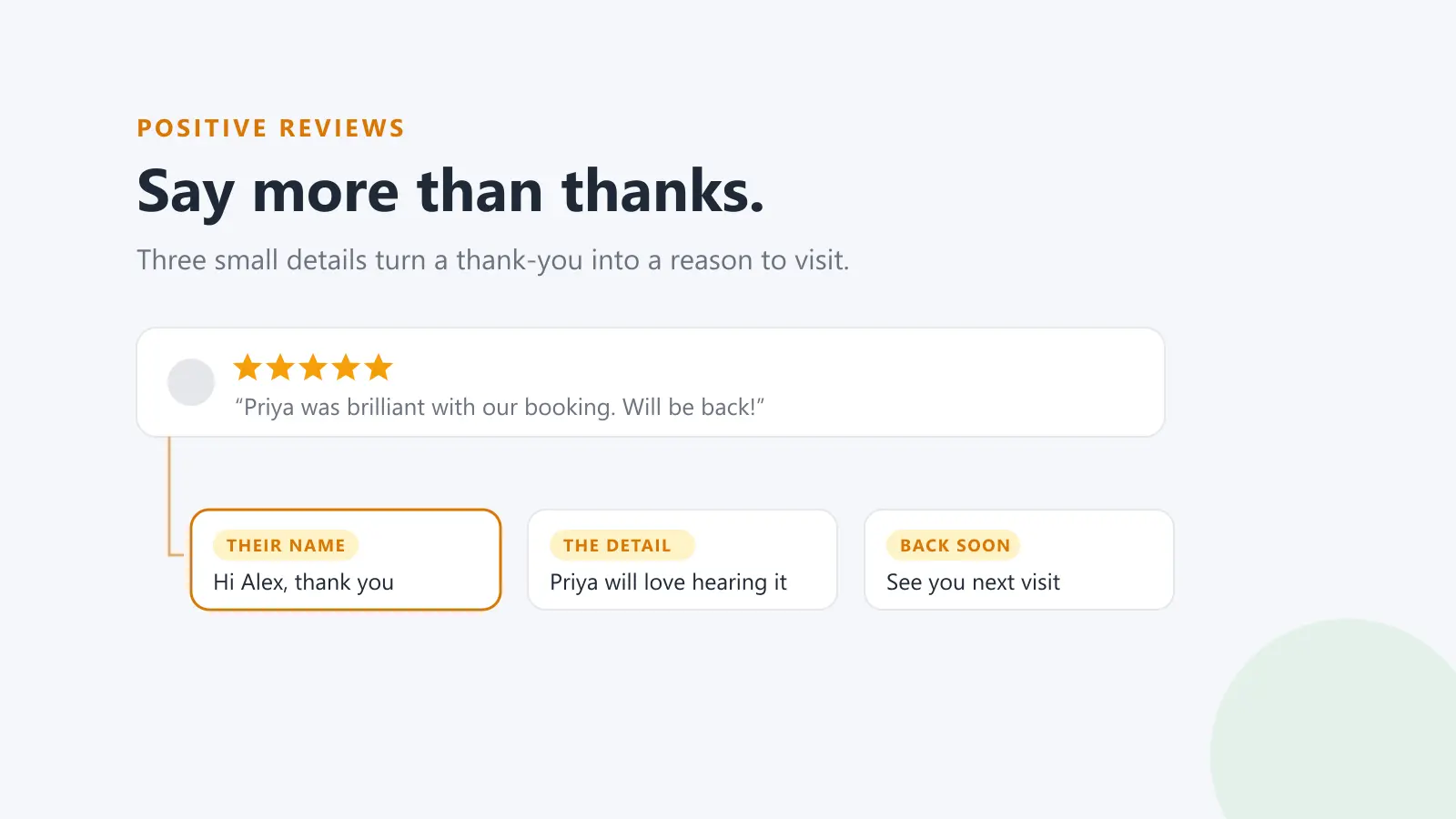
Send it from a real name at your business where you can, and make sure replies go to an inbox someone reads. Customers often answer the email instead of leaving a review, and those replies are worth having.
Step 5: Ask everyone, and handle unhappy customers privately
This is where many review systems go wrong. It's tempting to check how a customer feels first, then send only the happy ones to Google and the unhappy ones to a private feedback form. That practice is called review gating, and it breaks the rules almost everywhere:
- Google forbids businesses from selectively soliciting positive reviews. Reviews collected that way can be removed, and repeated breaches can lead to restrictions on your Business Profile.
- Trustpilot requires invitations to go to customers without filtering by expected sentiment.
- The ACCC treats suppressing or cherry-picking reviews as potentially misleading under the Australian Consumer Law, because it gives a false picture of what customers think. In the US, the FTC's rule on fake reviews bans review suppression too.
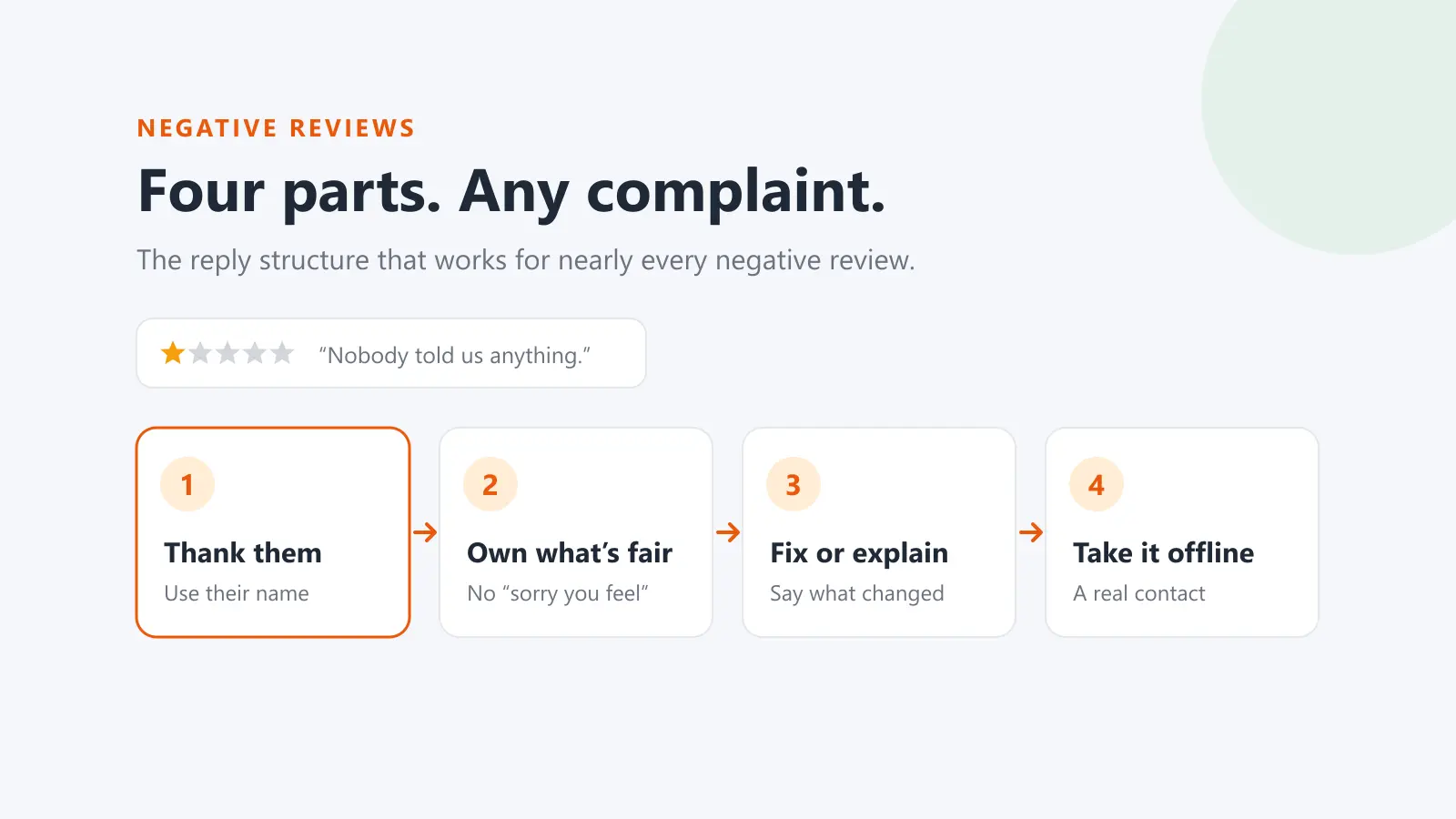
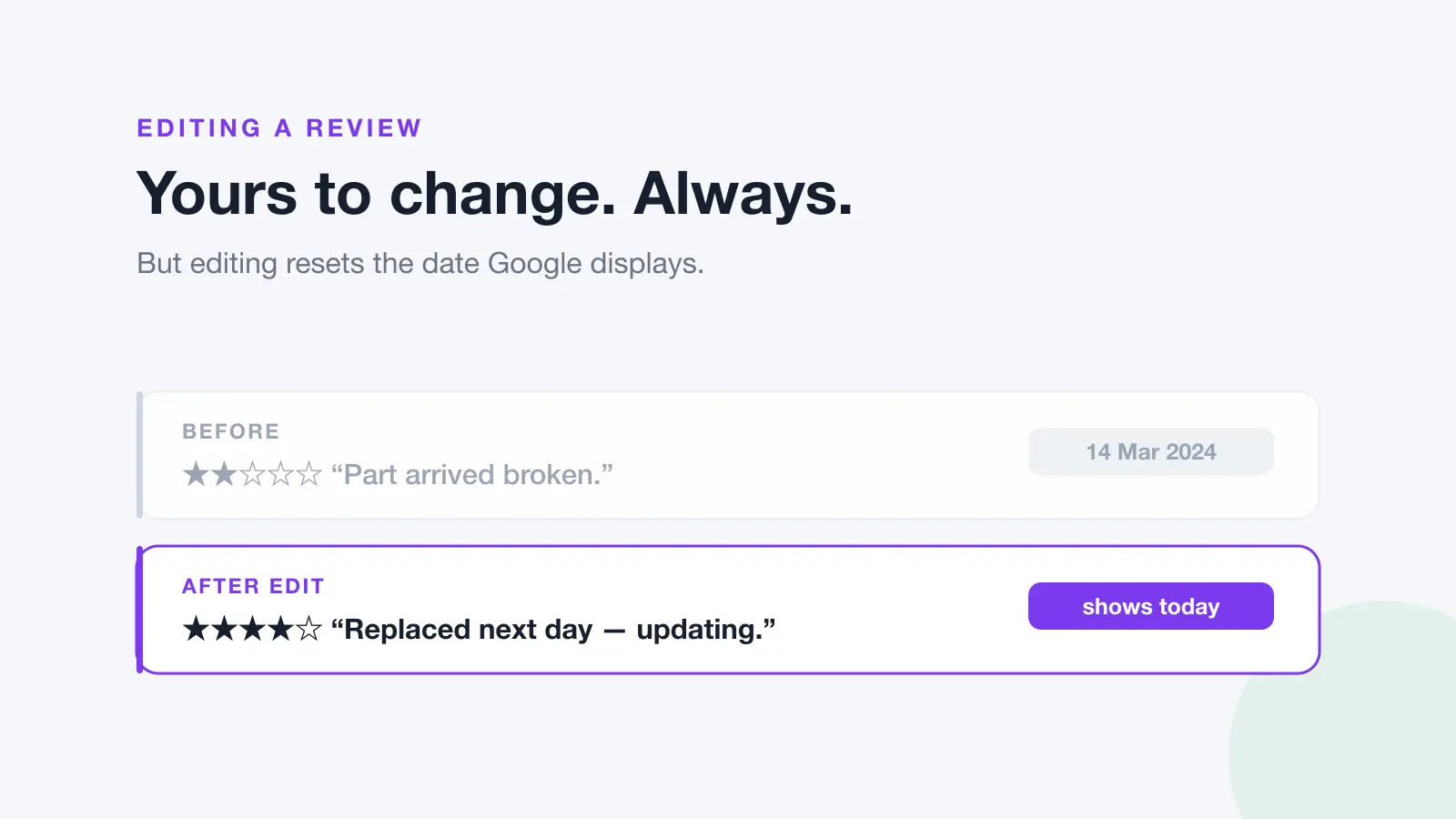
You can still act on how customers feel. Run a short satisfaction or NPS survey alongside your review requests, and when someone is unhappy, have your team follow up with them directly to put it right. The difference is that the survey triggers a conversation, not a decision about whether they get to review you. Fixing the problem is also the most reliable way to turn a critic into someone who updates their review.
Step 6: Turn reviews into testimonials
Testimonials are reviews you show on your own website, ads and proposals. A collection system feeds them naturally, but a few rules apply:
- Get permission before quoting a review on your own channels, and use the customer's name only as they're happy for it to appear.
- Quote accurately. Shortening is fine; changing the meaning or merging reviews isn't. The ACCC's guidance on online reviews covers editing and presenting testimonials.
- Don't only show the glowing ones in a way that suggests they're typical if they're not. A mix of detailed, specific reviews is more persuasive anyway.
- Link to the source where you can, so readers can see the review is real.
Step 7: Measure it
Four numbers tell you whether the system is working:
- Collection rate: reviews received divided by requests sent. Track it per location and per channel.
- Review velocity: new reviews per month. A steady flow does more for local search and for trust than a burst followed by silence.
- Delivery and bounce rate: requests that never arrive can't earn reviews. A rising bounce rate usually means bad email data from your store or form.
- Rating trend: your average over time. Asking everyone usually lifts it, because the quiet majority of satisfied customers finally show up.
When you change something, like the wait time, the subject line or the channel, change one thing at a time and give it enough requests to tell the difference.
Building it yourself vs using a platform
You can assemble a system from your store's order webhooks, an email service and a spreadsheet log, and for one location with simple products that can be enough. The work grows with every location, every review site and every edge case: refunds, duplicate orders, unsubscribes, bounces and customers who already reviewed you.
Dinopix does this as part of its customer CRM. It syncs orders from Shopify and WooCommerce, waits the time you choose after delivery, and emails every customer a request with the right review link for their location. Trustpilot customers get a verified Trustpilot invitation instead. Every send is logged, and an NPS survey can flag unhappy customers for private follow-up without changing who is asked. The help guide to automated review requests walks through the setup, and pricing shows which plans include it.
Frequently Asked Questions
How long should I wait after delivery before asking for a review?
Long enough for the customer to have used what they bought. For services and anything consumed straight away, the same day or the next is fine. For products that take time to judge, wait one to three weeks. Start with a default and adjust it based on your response rates.
Can I only send review requests to happy customers?
No. Choosing who to ask based on how they feel is review gating. Google forbids it, Trustpilot forbids it, and the ACCC treats cherry-picking reviews as potentially misleading. Ask every customer, and handle unhappy ones with a private follow-up rather than by leaving them out.
Can I offer a discount in exchange for a review?
Not for Google reviews: Google's policy doesn't allow incentives for reviews. Other platforms have their own rules, and in Australia any incentivised review must be disclosed. The safest approach is to make reviewing easy rather than rewarded.
Should review requests go by email or SMS?
Email is the best default for most businesses. SMS suits businesses where the visit is the product, such as trades, salons and clinics. Either way you need consent, your business name and a working unsubscribe under the Spam Act 2003.
How many reminders should I send?
One. A single reminder a few days after the first request catches people who meant to reply. More than that tends to cause unsubscribes and annoyance rather than reviews.
Can I use customer reviews as testimonials on my website?
Yes, with the customer's permission and quoted accurately. Don't change the meaning, don't merge reviews, and link to the original where you can.