How to Leave a Google Review (Step by Step)

How to leave a Google review on desktop and mobile, whether you need an account, what makes a review useful, and how to edit or delete it later.
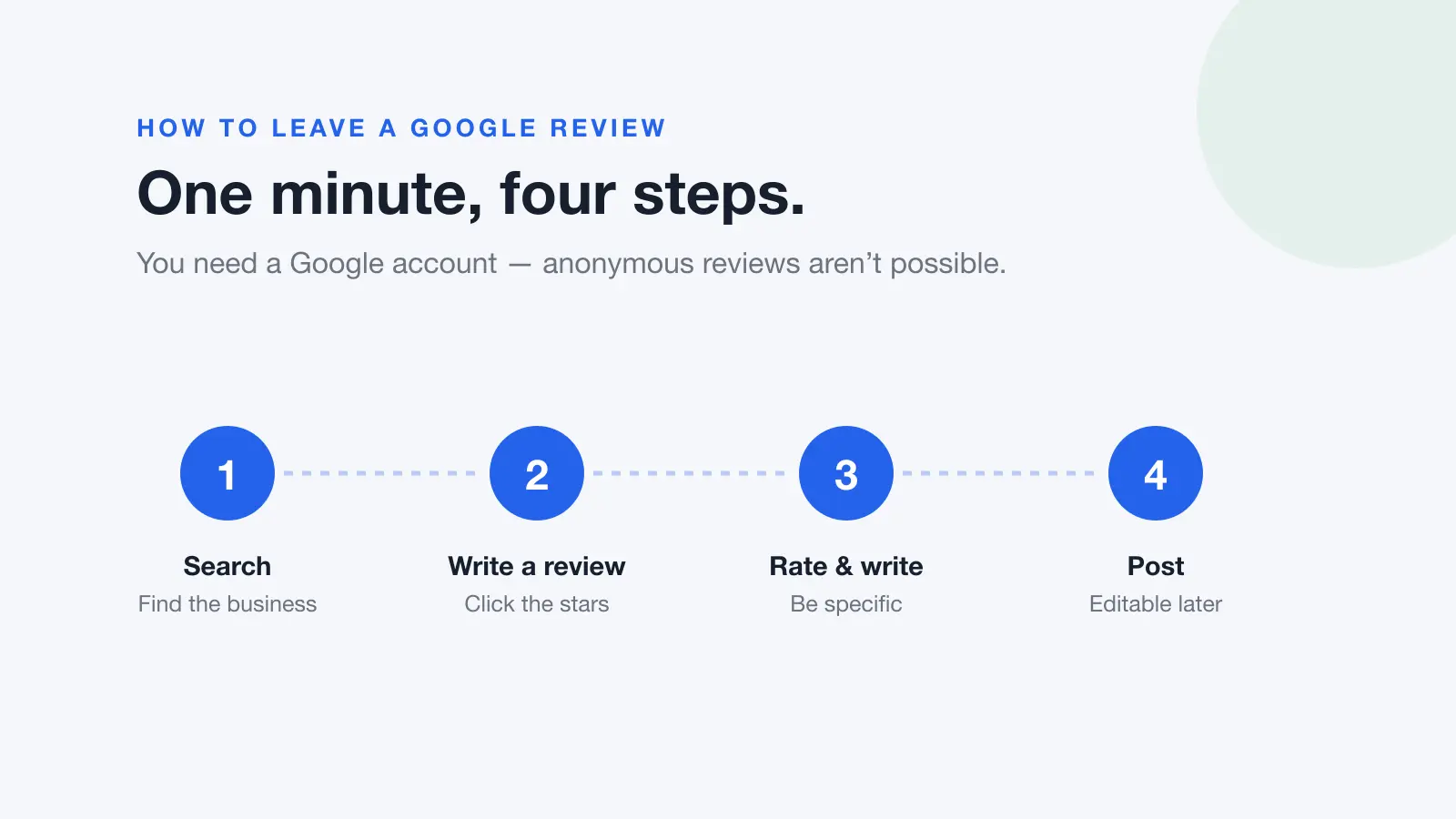
Leaving a Google review takes about a minute. You need a Google account, you need to find the business on Google Maps or Google Search, and you need to click the stars. That's the whole process, but there are a few things worth knowing before you write one, particularly if you want the review to actually help the next person reading it.
Leaving a Google review on a computer
- Go to google.com/maps and sign in to your Google account.
- Search for the business by name, and select it from the results.
- In the panel on the left, scroll to Write a review and click it.
- Click the stars to set your rating. One star is poor, five is excellent.
- Write your review in the box. This is optional, but a rating with no words is far less useful to anyone reading it.
- Add photos if you have them, then click Post.
You can also do this straight from Google Search. Search the business name, and in the business panel on the right, scroll to the reviews section and click the stars under Write a review. It opens the same box.
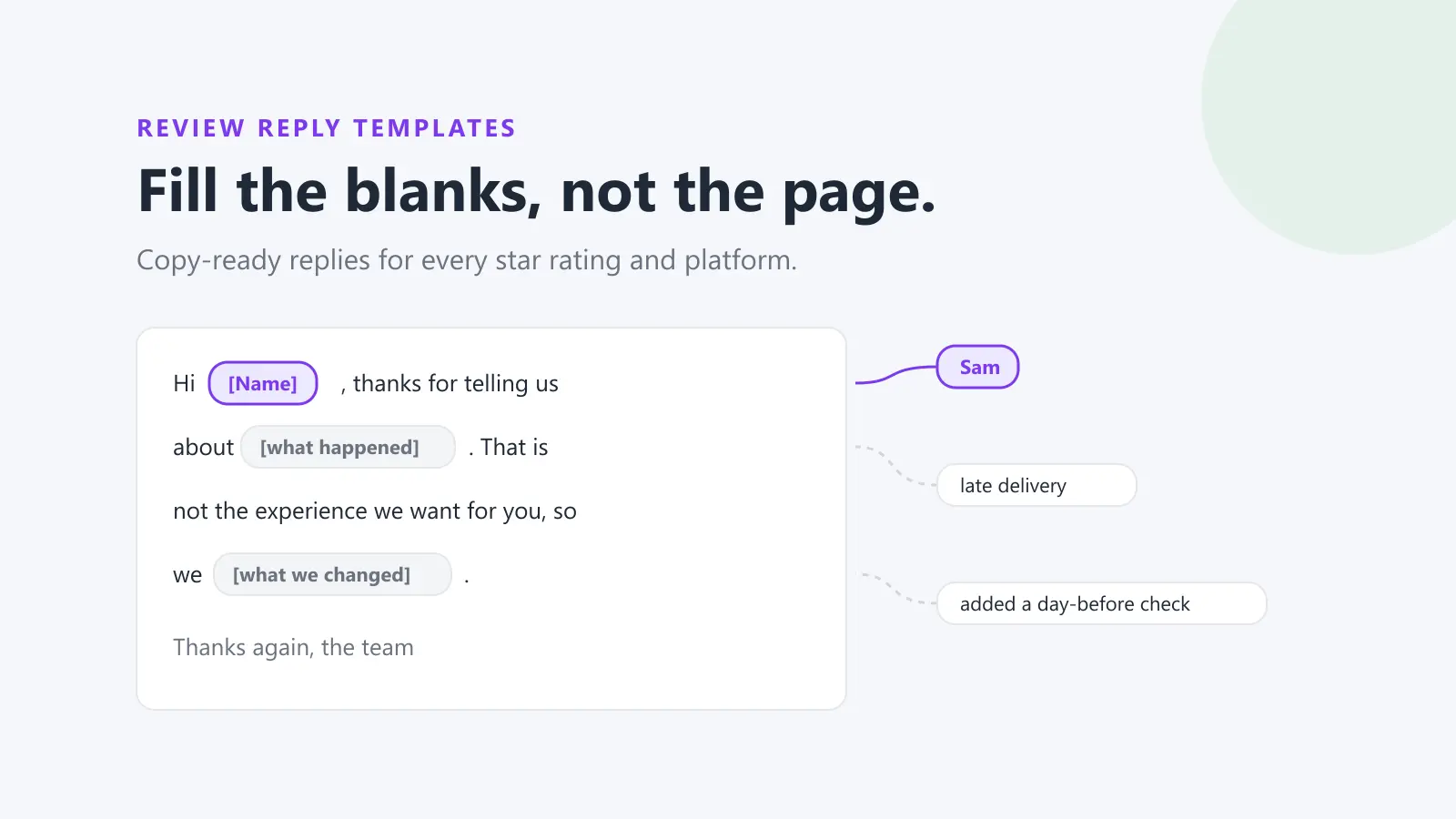
Google review reply templates
20 replies you can copy and edit, from a 5-star thank-you to a fair answer to a 1-star complaint. Free, by email.
We'll email the templates from support@dinopix.com.au, then about one email a month with new review guides and Dinopix product news. Unsubscribe in one click from any email. Privacy policy
Leaving a Google review on your phone
- Open the Google Maps app and make sure you're signed in.
- Search for the business and tap its name in the results.
- Scroll down to the Reviews section and tap the stars, or tap the Reviews tab and then Write a review.
- Set your star rating, write your review, and add photos if you'd like.
- Tap Post.
Do you need a Google account?
Yes. Google requires you to be signed in, and it states plainly that you cannot add an anonymous review. Your review appears under your Google account name and profile photo, and it stays visible to anyone who looks at the business or at your contributions.
If you'd rather not use your everyday name, you can change the name on your Google account before posting, but you can't post without one, and creating accounts purely to leave reviews is exactly the pattern Google's fake-engagement systems look for.
What makes a review worth reading
Most reviews are some variation of "great service" or "terrible, avoid". Neither helps anyone. The reviews people actually find useful share a few traits.
| Less useful | More useful |
|---|---|
| "Great place, highly recommend." | "Booked a same-day repair at 9am, they arrived by 2pm and had it fixed in under an hour." |
| "Terrible service." | "Waited 40 minutes past my appointment time with no explanation, though the treatment itself was good." |
| "Too expensive." | "£180 for a service that two other local garages quoted at £120, worth checking around first." |
| "Staff were rude." | "The person on the desk was abrupt when I asked about the returns policy, but the manager sorted it out immediately." |
The pattern is specificity. Say what you came for, what actually happened, and what someone else should expect. Mentioning timing, price and the particular thing you bought does more for the next reader than any number of adjectives.
It's also worth being fair about scale. A single bad interaction at an otherwise good business is useful information; describing it as though the business is a fraud is not. Reviews carry weight, and small businesses feel them.
What Google won't allow
Reviews are removed when they breach Google's content policies. The ones that catch ordinary people out are:
- Reviewing somewhere you haven't been. Reviews are meant to reflect a genuine experience. Posting on behalf of a friend, or about a business you've only read about, falls under fake engagement.
- Conflicts of interest. You can't review your own employer, your own business, or a competitor.
- Personal information. Naming a member of staff in a way that identifies them personally, or including phone numbers or addresses, can get a review taken down.
- Off-topic content. Reviews about a company's politics, or about a national brand rather than the branch you visited, are routinely removed.
- Profanity and harassment. Strong language and personal attacks tend to be removed even when the underlying complaint is legitimate.
Changing or removing your review later
A review you wrote stays yours. To edit or delete it, open Google Maps, go to Your contributions, then Reviews, and use the More menu next to the review to choose Edit review or Delete review.
One detail worth knowing: if you edit a review, Google shows the date of the last edit as the review's post date. An update to a two-year-old review will appear as though it was written today.
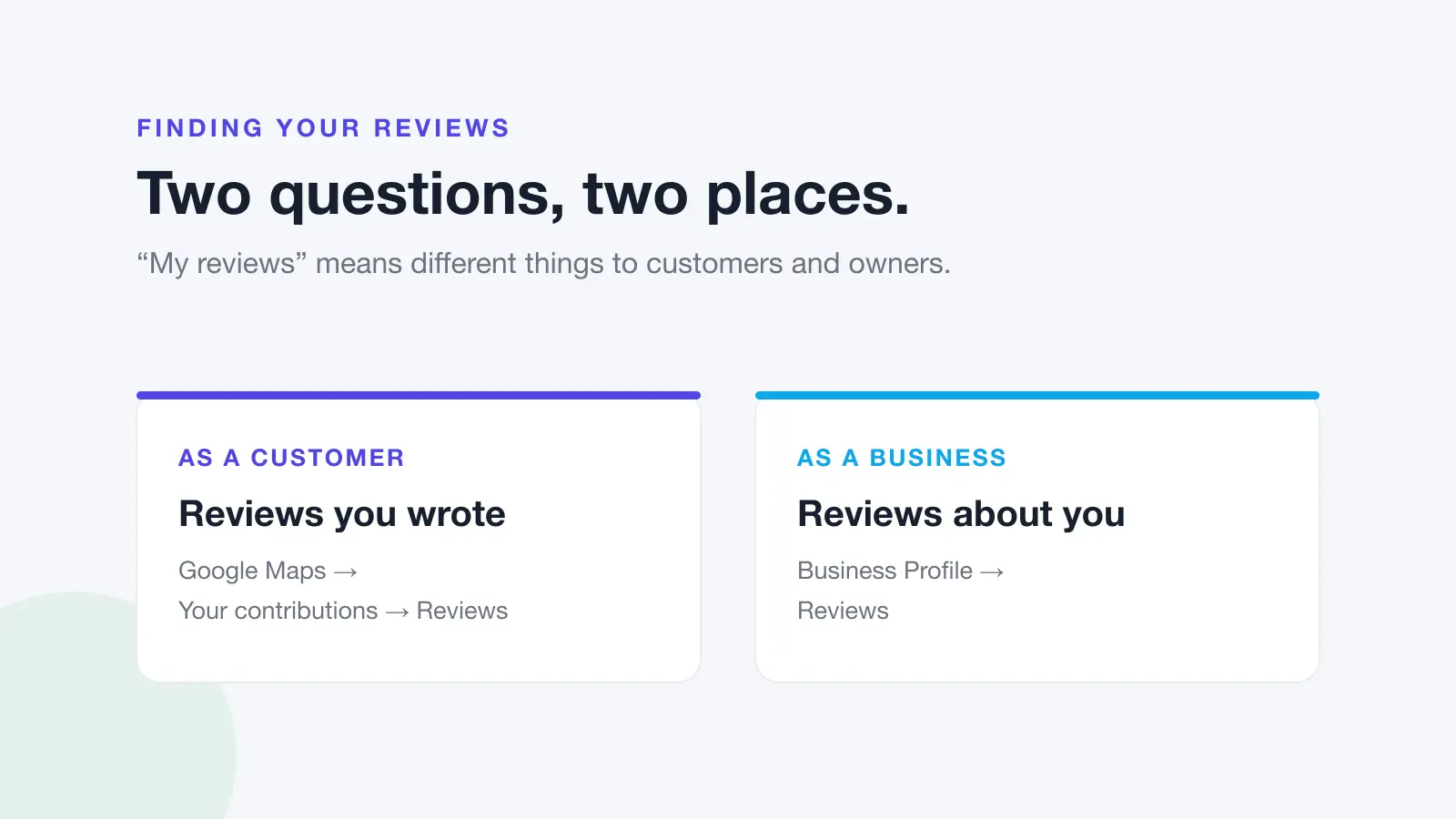
If you're the business asking for reviews
Everything above is the customer's side. From the other side of the counter, the practical lesson is that the number of steps between "customer is happy" and "review is posted" determines how many you get. A verbal "leave us a review sometime" converts poorly. A direct link sent while the experience is fresh converts far better.
You can make that link in a few seconds with the free Google review link generator, and turn it into a printable QR code for the counter, receipts or invoices with the free Google review QR code generator.
Two rules keep you on the right side of policy: ask every customer, not only the ones you expect to be happy, and never offer anything in return. Filtering by expected sentiment is review gating, and it breaches Google's policies.
That's the part Dinopix Reviews automates, a review request sent to every customer after each job, all your Google and Facebook reviews in one inbox, and AI-drafted replies so you can respond the same day. For the detail on asking properly, see how to ask for reviews.
Frequently Asked Questions
Can you leave a Google review without a Google account?
No. Google requires you to be signed in to a Google account to post a review, and it does not allow anonymous reviews. Your review appears under your account name and profile photo. You can change the display name on your Google account before posting, but you cannot post without an account.
How long does it take for a Google review to appear?
Most reviews appear within a few minutes. Google checks reviews against its content policies, and that check can add a delay of a few days in some cases. If a review still hasn't appeared after that, it may have been removed for a policy breach, or the reviewer may have been using an out-of-date version of the Maps app. Our guide to why a Google review isn't showing walks through every cause.
Can the business see who left the review?
Yes. Reviews display the reviewer's Google account name and profile photo publicly, so the business sees exactly what everyone else sees. Businesses are notified when a new review is posted and can reply to it publicly, and the reviewer is notified of that reply.
Can I leave a Google review for a business with no listing?
No. A review has to attach to a Business Profile, so if the business has no listing on Google Maps there is nothing to review. You can add a missing place to Google Maps, after which it goes through a verification process before it accepts reviews.
Will the business know if I edit or delete my review?
They aren't sent a specific notification saying you edited or deleted it, but the change is visible. The review either disappears from their profile or shows the updated text, and their overall rating adjusts. Note that editing a review updates its displayed post date to the date of the edit.
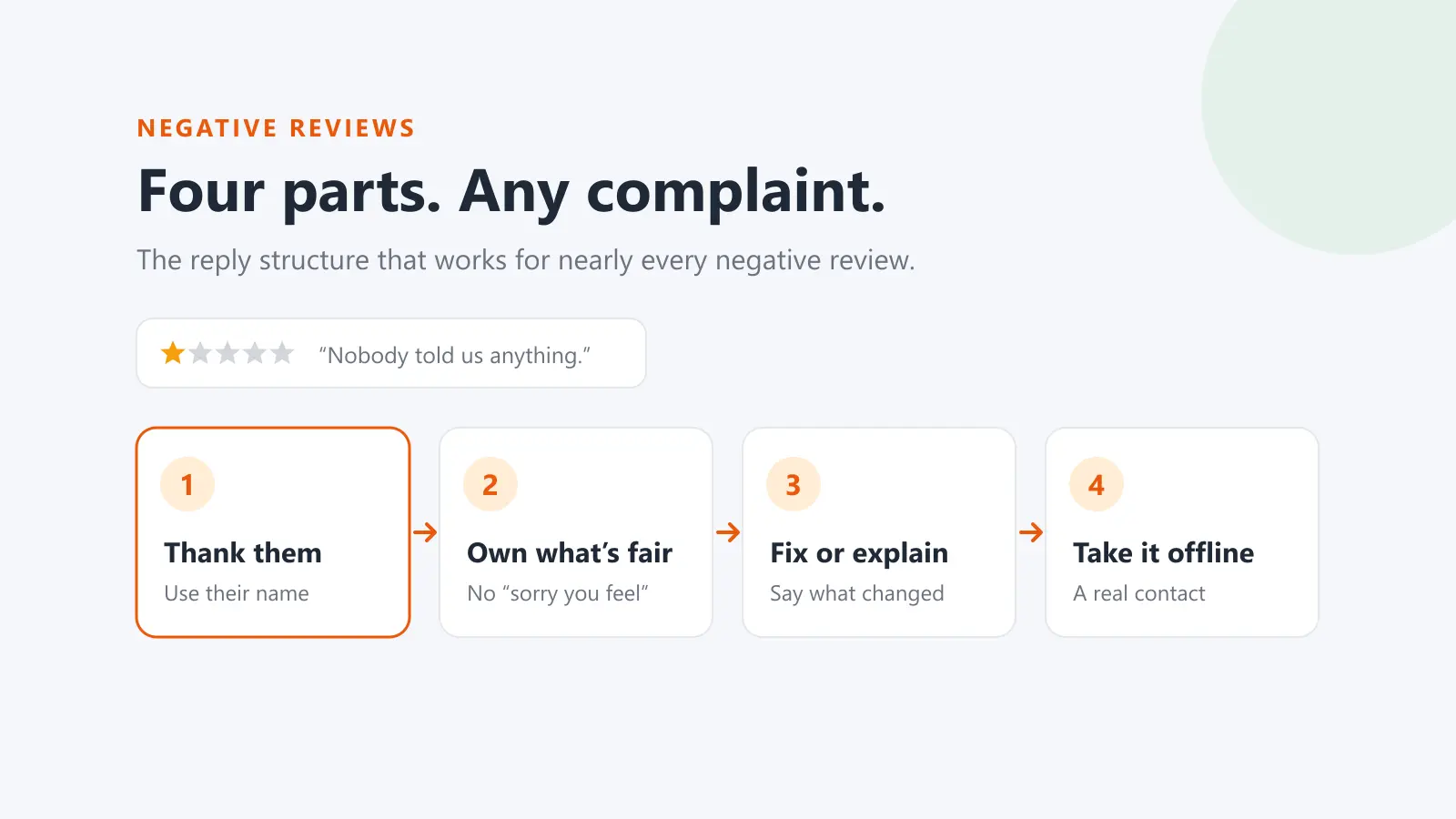
Should I leave a negative review or complain to the business first?
Complaining first usually gets a better outcome for you, and it's fairer to the business. Many problems get resolved on the spot when raised directly, and you can always review afterwards. If you do review after an unresolved complaint, saying that you raised it and what happened next makes the review considerably more useful to the next reader.
Sources
This guide draws on the primary sources below. Google's interface and policies change. Always check the current version.
Google review reply templates
20 replies you can copy and edit, from a 5-star thank-you to a fair answer to a 1-star complaint. Free, by email.
We'll email the templates from support@dinopix.com.au, then about one email a month with new review guides and Dinopix product news. Unsubscribe in one click from any email. Privacy policy