The Beginner's Guide to Managing Facebook Page Reviews

Learn how to effectively manage reviews on your Facebook page with our comprehensive beginner's guide. Discover best practices, tips for responding, and tools to enhance your page's reputation.

In today's digital landscape, managing Facebook page reviews has become a critical component of any business's online reputation strategy. With over 2.9 billion active users worldwide, Facebook serves as a primary platform where customers share their experiences and influence purchasing decisions. Whether you're a small local business or a growing enterprise, understanding how to effectively manage your Facebook page reviews can significantly impact your brand's credibility and customer acquisition efforts.
Facebook page reviews provide valuable social proof that can make or break a potential customer's decision to engage with your business. These reviews not only influence consumer behavior but also affect your page's visibility in search results and recommendations. By mastering the art of review management, you'll be able to build stronger customer relationships, address concerns promptly, and leverage positive feedback to attract new customers.
Understanding Facebook Page Reviews: The Foundation
Facebook page reviews are customer-generated content that appears on your business page, allowing users to rate your business on a scale of 1 to 5 stars and leave detailed comments about their experiences. These reviews serve multiple purposes: they provide valuable feedback for business improvement, offer social proof to potential customers, and contribute to your overall online reputation.
The star rating system on Facebook calculates the average of all public star ratings received by your page. It's important to understand that when you have fewer reviews, each individual review carries more weight in determining your overall rating. This makes it crucial to encourage satisfied customers to leave honest feedback, as their positive reviews can significantly impact your page's perceived credibility.
Types of Facebook Reviews
Facebook offers different review formats depending on your page category and settings:
- Star Ratings: Simple 1-5 star ratings without written comments
- Recommendations: Binary "Yes" or "No" recommendations with written reviews
- Traditional Reviews: Combined star ratings with written feedback
Setting Up Facebook Page Reviews: Getting Started
Before you can begin managing Facebook page reviews, you need to ensure that reviews are properly enabled on your page. Facebook typically enables reviews by default for most business pages, but it's essential to verify and customize your settings.
Enabling Reviews on Your Facebook Page
To enable Facebook page reviews, follow these steps:
- Navigate to your Facebook business page
- Click on "Settings" in the left sidebar
- Select "Templates and Tabs" from the menu
- Locate the "Reviews" or "Recommendations" section
- Toggle the switch to "ON" to allow users to write reviews
- Customize any additional settings as needed
Once enabled, the review section will appear on your page, and customers can begin leaving feedback about their experiences with your business.
Choosing the Right Review Format
Depending on your business type and customer preferences, you may want to choose between recommendations and traditional star ratings. Recommendations work well for service-based businesses where customers can provide specific feedback about their experience, while star ratings might be more appropriate for retail businesses with straightforward transactions.
Accessing and Monitoring Your Facebook Reviews
Effective review management starts with knowing where and how to access your reviews. Facebook provides several ways to monitor and interact with customer feedback on your page.
Using the Ratings & Reviews Dashboard
The primary method for accessing your reviews is through the Ratings & Reviews dashboard, which can be found in your page's admin panel. This comprehensive dashboard provides an overview of all your reviews and allows you to:
- View all reviews in chronological order
- Filter reviews by rating level (1-5 stars)
- Sort reviews by recency or relevance
- Filter by locale or language for international businesses
- Access response options and analytics
Alternative Access Methods
You can also access reviews directly through the Reviews tab, which appears under your page's profile picture. This provides a quick way to view and respond to recent reviews without navigating through the full admin dashboard.
Effective Strategies for Managing Facebook Page Reviews
Successful review management goes beyond simply reading customer feedback. It requires a strategic approach that encompasses response protocols, engagement tactics, and proactive reputation management.
The Universal Response Rule
One of the most important principles in review management is to respond to every review, regardless of whether it's positive or negative. This approach demonstrates your commitment to customer service and shows potential customers that you value feedback and engagement.
When responding to reviews:
- Always use your business page account, not your personal profile
- Respond promptly, ideally within 24-48 hours
- Keep responses professional and personalized
- Thank customers for positive reviews
- Address concerns raised in negative reviews constructively
Crafting Effective Review Responses
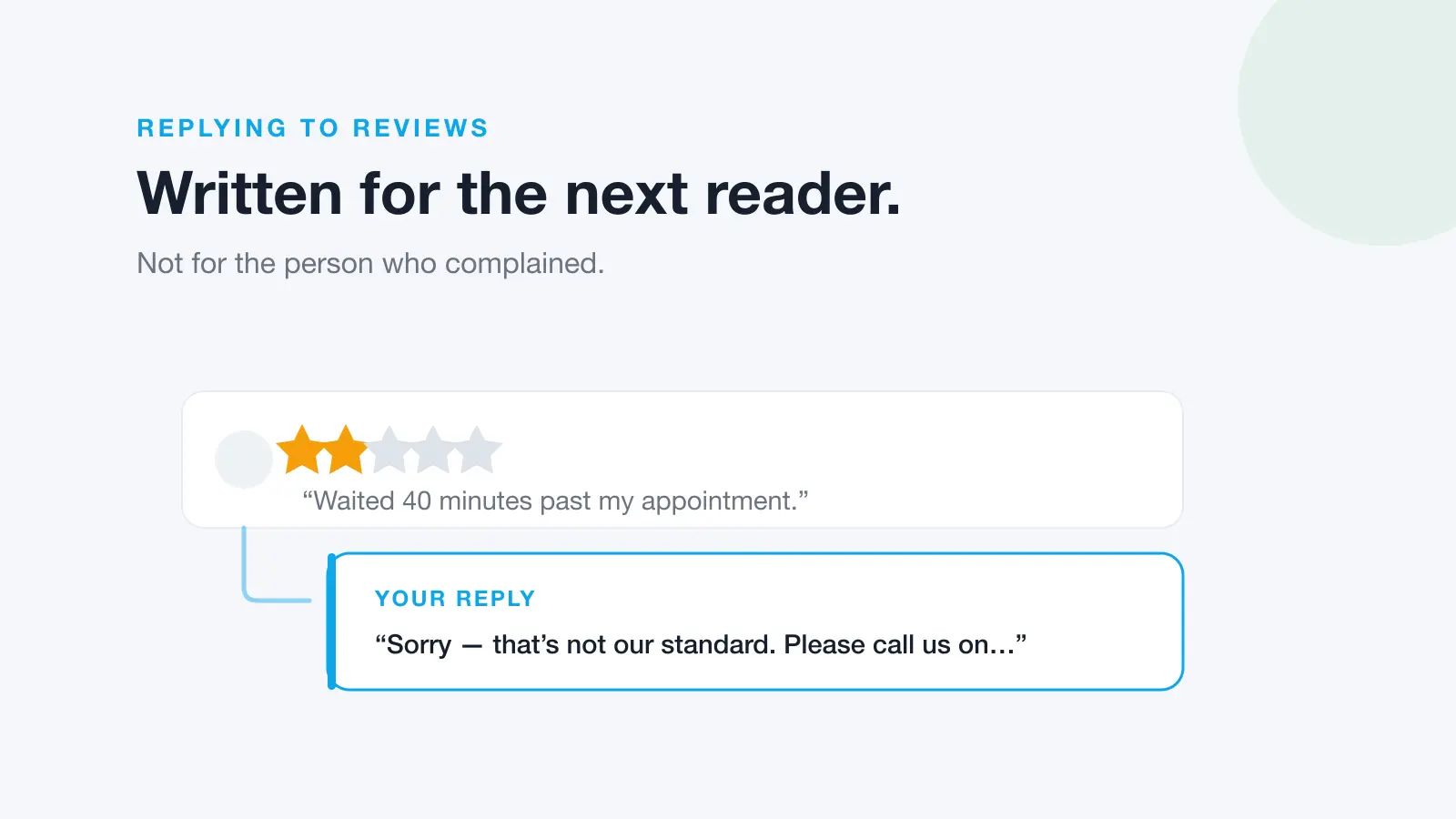
Your review responses serve multiple purposes: they address the individual customer's experience, demonstrate your customer service quality to other readers, and contribute to ongoing engagement on your page.
For Positive Reviews:
Express genuine gratitude, mention specific details from their review, and invite them to visit again or try other services.
For Negative Reviews:
Acknowledge their concerns, apologize for any shortcomings, explain any relevant context, and offer to resolve the issue offline when appropriate.
Advanced Review Management Techniques
As you become more comfortable with basic review management, you can implement advanced strategies to maximize the impact of your Facebook page reviews on your business growth.
Setting Up Review Notifications
To ensure timely responses, set up notifications for new reviews. This can be done through your page settings, allowing you to receive email or mobile notifications whenever a customer leaves feedback. Quick response times demonstrate excellent customer service and can often turn a negative experience into a positive outcome.
Encouraging Quality Reviews
Since fewer reviews mean each one carries more weight in your overall rating, it's crucial to encourage satisfied customers to leave honest feedback. Consider implementing these strategies:
- Train staff to mention your Facebook page during positive interactions
- Include review requests in follow-up emails or communications
- Display QR codes or links to your Facebook page in your physical location
- Offer gentle reminders through your other social media channels
Analyzing Review Patterns and Feedback
Use your reviews as a source of valuable business intelligence. Look for patterns in customer feedback that might indicate areas for improvement or highlight your business's strengths. Common themes in reviews can inform your business strategy, staff training needs, and marketing messaging.
Handling Challenging Review Situations
Not all reviews will be positive, and some may present unique challenges that require careful handling. Developing strategies for difficult situations will help you maintain professionalism and protect your brand reputation.
Dealing with Fake or Malicious Reviews
If you encounter reviews that appear to be fake or violate Facebook's community standards, you can report them through the platform's reporting mechanisms. However, focus your energy primarily on providing excellent service and encouraging legitimate reviews rather than fighting every negative comment.
Managing Crisis Situations
When facing a surge of negative reviews due to a specific incident or service failure, address the situation head-on with transparency and a clear action plan. Consider posting a general statement on your page addressing the issue while responding to individual reviews personally.
Leveraging Reviews for Business Growth
Facebook page reviews can serve as powerful marketing tools when managed strategically. Positive reviews can be highlighted in your marketing materials, shared on other social platforms, and used to build trust with potential customers.
Integrating Reviews with Your Marketing Strategy
Consider featuring positive review quotes in your advertising, website testimonials, and email marketing campaigns. This social proof can significantly enhance your marketing effectiveness and provide authentic customer voices to support your brand messaging.
Streamline Your Review Management with Professional Tools
While manual review management is possible for small businesses, growing companies often benefit from professional review management solutions. Dinopix Reviews offers comprehensive reputation management tools that can help you monitor, respond to, and analyze your Facebook page reviews alongside reviews from other platforms. With AI-powered response suggestions and centralized dashboard management, you can ensure consistent, professional engagement with all customer feedback while saving valuable time and resources.
Frequently Asked Questions
How do I enable reviews on my Facebook business page?
Go to your page Settings, select Templates and Tabs, find the Reviews or Recommendations section, and toggle it to "ON." Reviews are typically enabled by default for most business pages, but you can customize the settings based on your preferences.
Should I respond to every Facebook review I receive?
Yes, responding to every review (both positive and negative) is considered a best practice. It shows that you value customer feedback, demonstrates good customer service to potential customers, and helps maintain engagement on your page.
How quickly should I respond to Facebook page reviews?
Aim to respond to reviews within 24-48 hours. Quick response times show that you're actively engaged with your customers and care about their experiences. Set up notifications to alert you when new reviews are posted.
Can I delete negative reviews from my Facebook page?
You cannot delete reviews left by customers, but you can report reviews that violate Facebook's community standards. Instead of trying to remove negative reviews, focus on responding professionally and addressing any legitimate concerns raised.
How does Facebook calculate the star rating for my page?
Facebook calculates your page's star rating as the average of all public star ratings. When you have fewer reviews, each individual review has a greater impact on your overall rating, making it important to encourage satisfied customers to leave reviews.
What's the difference between Facebook recommendations and reviews?
Recommendations use a binary "Yes" or "No" system with written feedback, while traditional reviews use a 1-5 star rating system with optional written comments. The choice between them depends on your business type and how you want customers to evaluate your services.