How to Remove a Google Review: What Actually Works in 2026

You can't delete a Google review yourself. Here's exactly what qualifies for removal, how to report and appeal it, and what to do when the review stays.
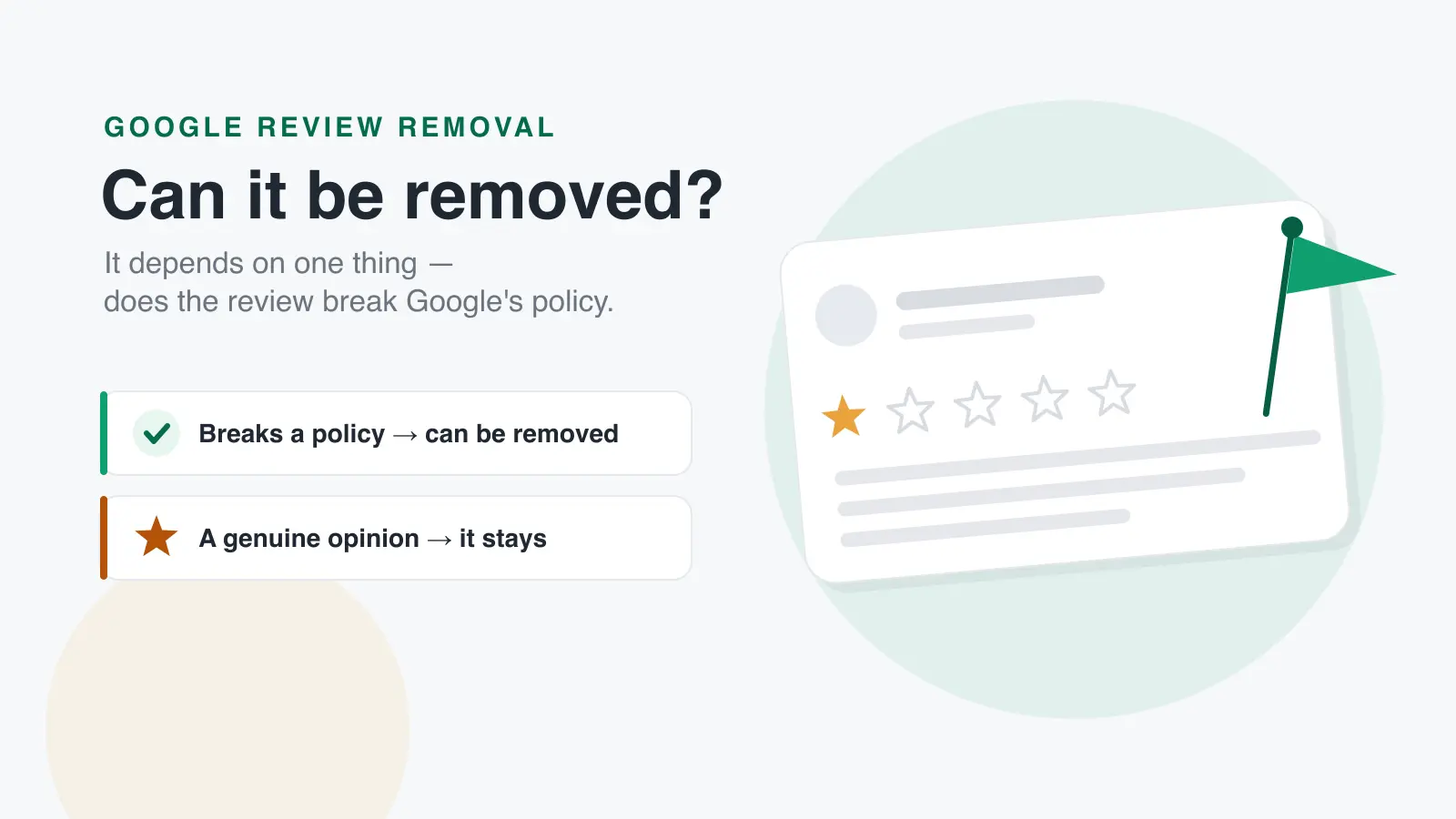
You cannot delete a Google review yourself. Only Google can remove a review, and only when it breaches one of Google's content policies, being unfair, inaccurate or damaging to your business is not, on its own, grounds for removal. This guide covers exactly what qualifies, how to report a review properly, how to appeal a rejection, and what to do with the reviews that stay.
That last part matters more than most business owners expect. In practice, the majority of reported reviews are not removed, because most negative reviews are a genuine customer describing a genuine experience. Knowing how to remove a Google review is really two skills: recognising the narrow set of cases where removal is possible, and having a plan for everything else.
Can you delete a Google review?
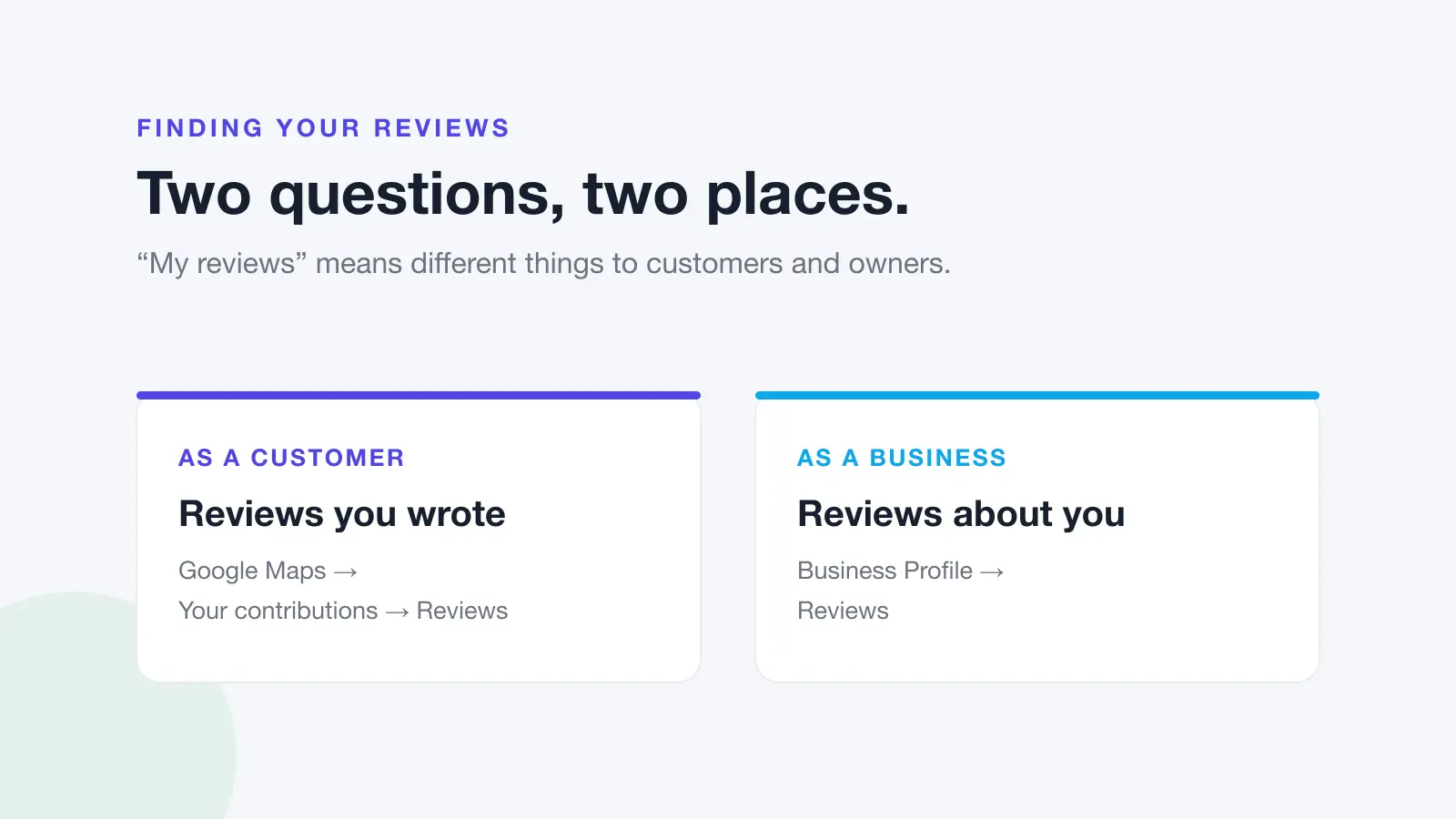
No. There is no button anywhere in Google Business Profile that deletes a review, and business owners have no direct control over review content. There are only three ways a Google review comes down:
- The reviewer deletes it themselves. Only the person who wrote it can edit or remove their own review.
- Google removes it for a policy violation after you report it, or after its automated systems detect a breach. If a review vanished and nobody reported it, work through why Google reviews stop showing.
- Google removes it as part of a wider enforcement action, for example, clearing a batch of fake reviews attached to a profile.
This is deliberate. If businesses could remove reviews at will, Google reviews would be worthless as a signal, and the whole system would collapse. The bar is high on purpose.
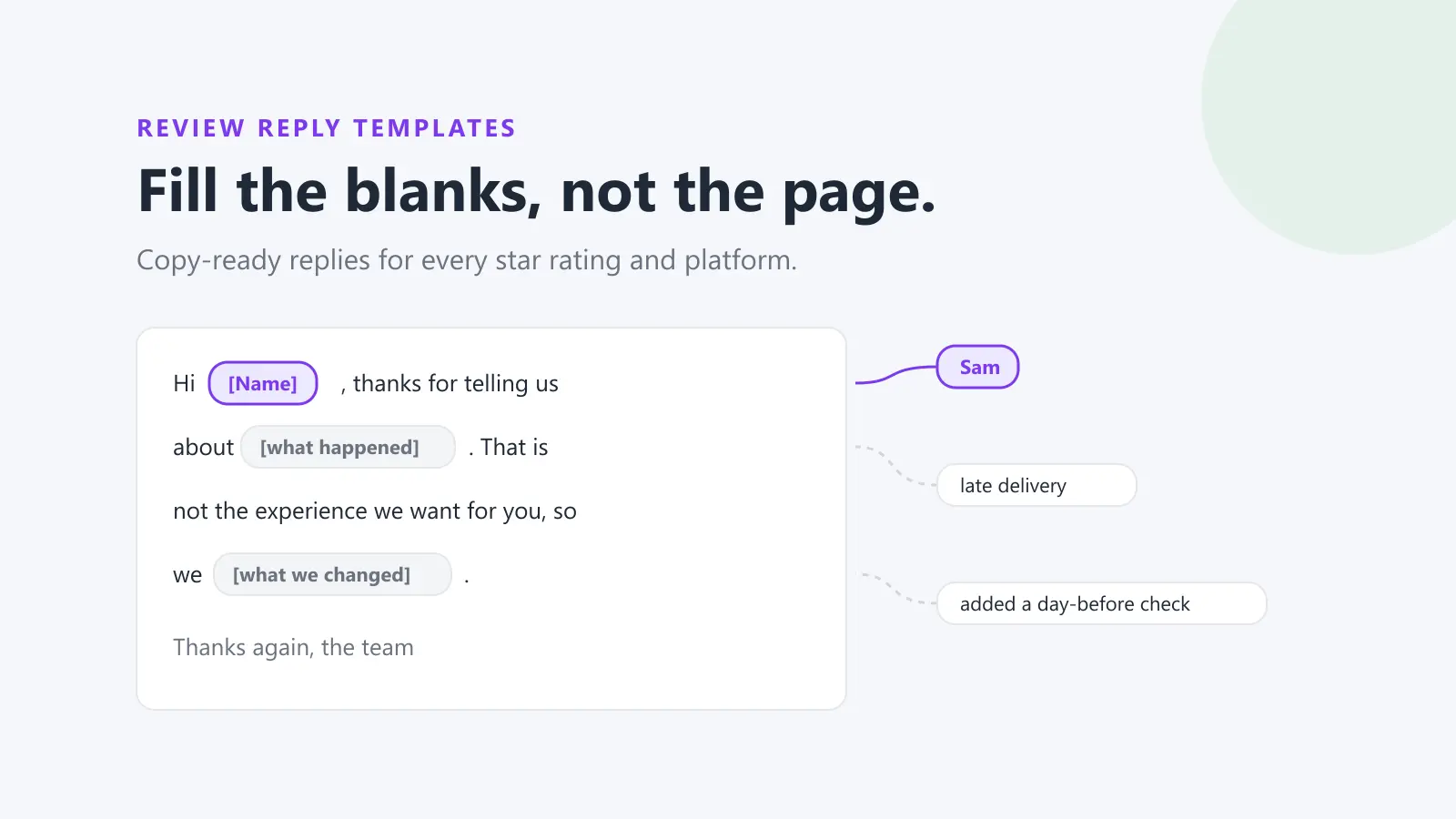
Google review reply templates
20 replies you can copy and edit, from a 5-star thank-you to a fair answer to a 1-star complaint. Free, by email.
We'll email the templates from support@dinopix.com.au, then about one email a month with new review guides and Dinopix product news. Unsubscribe in one click from any email. Privacy policy
What actually qualifies for removal
Google publishes a specific list of prohibited and restricted content for user-generated content on Maps. A review is eligible for removal if, and only if, it falls into one of these categories. The ones that come up most often for businesses are:
| Policy category | What it covers |
|---|---|
| Fake engagement | Content not based on a genuine experience, paid reviews, or posts made from multiple accounts to manipulate a rating. |
| Off-topic | General commentary, political rants, or anything unrelated to an actual experience at that location. |
| Advertising & solicitation | Promotional content, phone numbers, email addresses or links to other sites inside a review. |
| Personal information | Naming staff, posting photos or sharing identifiable details without consent. |
| Harassment | Threats of harm, doxxing, or targeted attacks on individuals. |
| Obscenity & profanity | Profanity used to offend or to emphasise criticism. |
| Impersonation | Content pretending to be a person, organisation or authoritative source. |
| Misrepresentation | Misleading descriptions, or content driven by an undisclosed conflict of interest, including reviews from competitors. |
| Restricted content | Promotion of alcohol, gambling, tobacco, firearms, pharmaceuticals or adult services. |
Google's full policy also covers hate speech, sexually explicit and adult-themed content, violence and gore, dangerous content, child safety, terrorist content, misinformation, repetitive content, unclear content and defacement.
Notice what is not on that list: being wrong, being unfair, exaggerating, or leaving one star with no explanation. A customer who misremembers what happened, or who blames you for something outside your control, is still describing their genuine experience. That review stays.
How to report a Google review for removal
There are two routes. Use the first for a single review, and the second when you have several to report or need to track outcomes.
Method 1: Report directly from your Business Profile
- Go to your Business Profile.
- Select Read reviews.
- Next to the review you want to flag, select Report.
- Select the reason for flagging the review, for example, spam or profanity.
- Select Send report.
Method 2: Use the Reviews Management Tool
Google runs a dedicated tool for reporting reviews and checking what happened to them, which the standard profile interface does not show you.
- Open the Reviews Management Tool and confirm your email, or switch to the account that manages the profile.
- Select your business, then Continue.
- Choose Report a new review for removal, then Continue.
- Next to the review you want to flag, select Report.
- Select the violation reason in the new tab, then Submit.
Google states that review evaluation typically takes several days. Reporting the same review repeatedly does not speed this up and does not improve your odds.
How to check the status and appeal
The Reviews Management Tool shows the status of everything you have reported. You will see one of:
- Decision pending. The review is flagged but has not been evaluated yet.
- No violation found. It was evaluated and Google found no policy breach.
- Escalated. Your appeal has been escalated, and you will receive an email with the final decision.
If a review comes back as no violation found and you genuinely believe Google got it wrong, you can submit one appeal per review, using Appeal eligible reviews in the same tool. You will get an email with the final determination.
One appeal. That is the end of the road inside Google's system. If the review survives an appeal, it is staying, and continuing to fight it is time you are not spending on the approach that actually works.
What to do when the review isn't removed
This is where most of the value is, because this is the outcome most of the time.
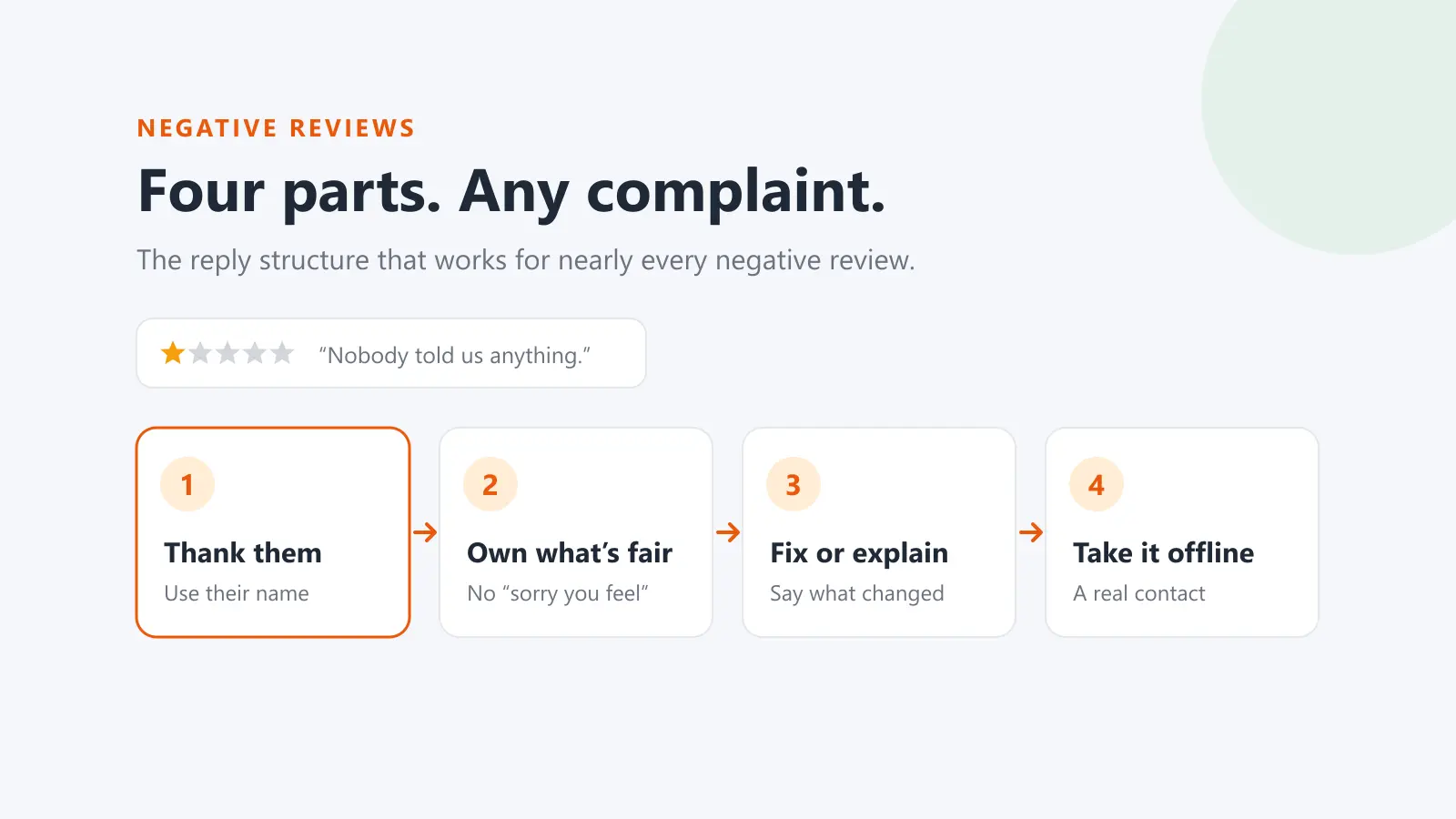
Respond publicly, and quickly. Your reply is not really aimed at the unhappy reviewer. It is aimed at the next prospective customer reading the thread. A calm, specific, non-defensive reply that acknowledges the issue and offers to fix it does more for your reputation than the removal ever would have. Prospects read how you handle criticism as a proxy for how you would handle their problem.
Never argue the facts in public. Even when you are right. A business publicly correcting a customer reads as defensive to everyone except the business. Acknowledge, apologise for the experience, move the detail to a private channel.
Then change the maths. One 1-star review against 12 reviews drags your average to roughly 4.2. The same review against 120 barely registers. The most reliable fix for a bad review is not removal. It is volume. Businesses that consistently ask every satisfied customer for a review find that individual bad reviews stop mattering, because the average absorbs them.
What not to do
The pressure of a damaging review pushes a lot of otherwise sensible businesses into things that make the situation considerably worse.
Do not buy review removal. Any service claiming it can guarantee removal of a genuine Google review is either exploiting the same reporting process you can use for free, or doing something that will get your profile penalised.
Do not buy positive reviews. In the United States, the FTC's Consumer Reviews and Testimonials Rule took effect on 21 October 2024 and prohibits buying, selling or procuring fake reviews, along with insider reviews that fail to disclose their connection to the business. Violations can carry civil penalties of up to $53,088 per violation.
In Australia, the Australian Consumer Law prohibits false or misleading representations through reviews and testimonials, and the ACCC has enforced it substantially, HealthEngine paid $2.9 million in penalties, Bloomex $1 million, Service Seeking $600,000, and the Electrodry franchisor $215,000 for fake testimonials.
Be careful with incentives. Google prohibits incentivised reviews outright. The ACCC's position is that where incentives are offered, they must be available regardless of whether the review is positive or negative, and the incentive must be clearly disclosed. The safest position is simply not to offer one.
Build a system, not a reaction
Businesses that stay calm about individual bad reviews are the ones with a process running underneath: every customer gets asked, every review gets a reply, and someone is notified the moment a new one lands rather than discovering it three weeks later.
That is what Dinopix Reviews is built for, monitoring reviews across Google, Facebook and other platforms in one inbox, drafting replies with AI so responding stays fast, and automatically requesting reviews from customers after a job or order so your volume keeps climbing. The reviews you cannot remove stop being a crisis when they are one of hundreds.
Frequently Asked Questions
How long does it take Google to remove a review?
Google states that review evaluation typically takes several days. Reports submitted through the Reviews Management Tool show a status of decision pending until they are assessed. Reporting the same review multiple times does not speed up the process.
Can I remove a Google review left by a competitor?
Potentially, yes. A review from a competitor who was never a customer falls under fake engagement, and one driven by an undisclosed conflict of interest may fall under misrepresentation. Report it citing that policy specifically. Be aware you will need the review's own content to support the claim. Google will not act on your assertion that the person is a competitor.
What if a review is defamatory or factually false?
Google's content policies do not cover defamation, so reporting on those grounds usually fails. Google provides a separate legal removal request process for content that is unlawful in your jurisdiction. Defamation law varies significantly between countries and states, and this is a point to take legal advice rather than act alone.
Does replying to a negative review make it more visible?
No. Replying does not push a review higher or increase its visibility, and leaving it unanswered does not make it fade. A reply is simply the only part of that exchange you control, and prospective customers do read it.
Can I ask a customer to take down their review?
You can ask, provided you do it well, resolve the underlying problem first, then mention that they are welcome to update their review if they feel differently. What you must not do is offer anything in exchange. Offering a refund, discount or gift conditional on removing a review breaches Google's policies and may breach consumer law in both the US and Australia.
Will removing my Google Business Profile delete the reviews?
No, and it is a costly mistake. Removing or unverifying your profile does not delete reviews, the listing typically persists and the reviews with it. You simply lose the ability to reply, report anything, or manage how your business appears.
Sources
This guide draws on the primary sources below. Regulations change. Always check the current version.
Google review reply templates
20 replies you can copy and edit, from a 5-star thank-you to a fair answer to a 1-star complaint. Free, by email.
We'll email the templates from support@dinopix.com.au, then about one email a month with new review guides and Dinopix product news. Unsubscribe in one click from any email. Privacy policy