Can You Delete a Google Review? The Honest Answer

Businesses can't delete Google reviews. Here's what you can do instead: which reviews Google removes, how to report them, and how to delete a review you wrote.
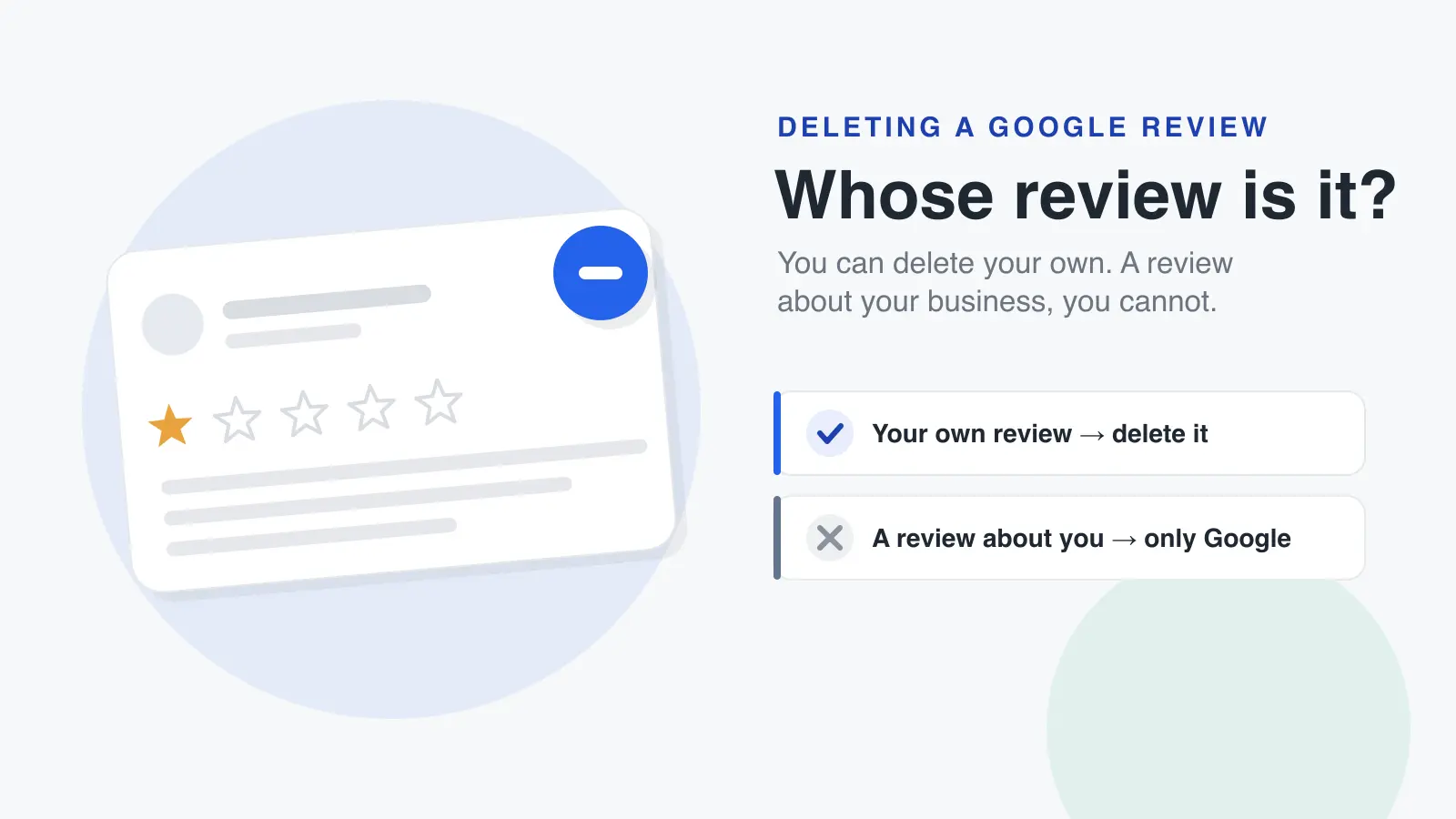
If you own the business: no. There's no button, setting or support request that lets a business delete a review someone left on its Google Business Profile. Google Maps Help says it directly: you can't directly delete someone else's review, but you can ask Google to remove it by reporting it.
If you wrote the review yourself: yes, in a few taps, and the steps are near the end of this page.
Most of the confusion comes from mixing those two situations up. This guide is written for business owners first: what you can actually do about a review you don't want, which reviews Google will take down, and what makes things worse. All steps are from Google's help pages as of October 2026.
The short answer for business owners
A review belongs to the person who wrote it, not to the business it's about. That's why only two parties can make a review disappear:
- The reviewer, who can edit or delete their own review at any time.
- Google, which removes reviews that break its content policies, either after a report or through its own automated spam detection.
What a business can do is report, reply, and earn more genuine reviews. Each of those is covered below. If you've decided a review breaks Google's rules and want the full removal process (reporting, the Reviews Management Tool, appeals and what to expect), go to how to remove a Google review.
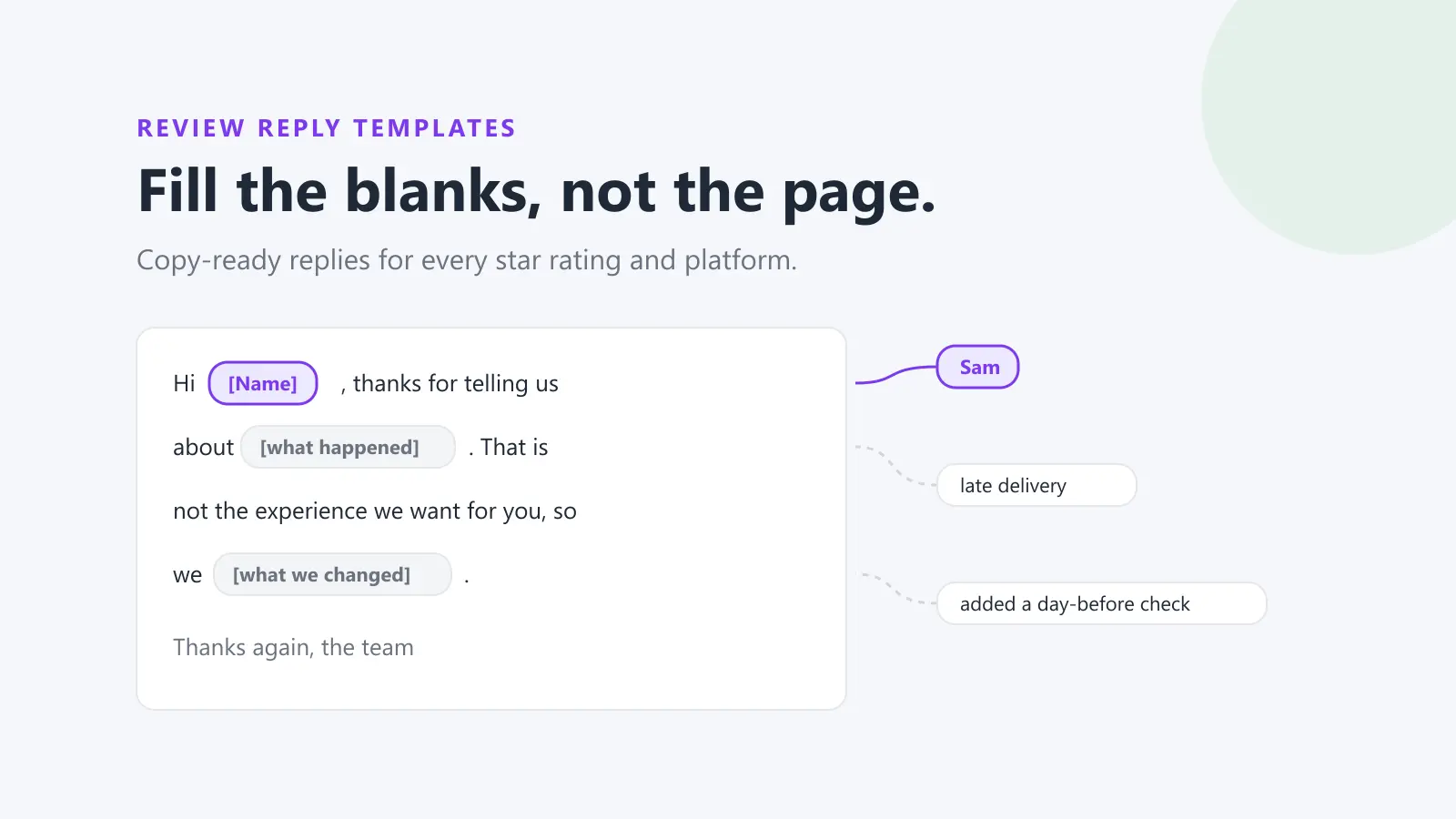
Google review reply templates
20 replies you can copy and edit, from a 5-star thank-you to a fair answer to a 1-star complaint. Free, by email.
We'll email the templates from support@dinopix.com.au, then about one email a month with new review guides and Dinopix product news. Unsubscribe in one click from any email. Privacy policy
What you can do instead of deleting it
1. Report it, if it breaks Google's policies
Reporting is the only route to removal that a business controls, and it only works for reviews that break a policy. Google Business Profile Help is blunt about it: you can report any review, but only those that violate Google policies are eligible for removal, and you shouldn't report a review just because you disagree with it or dislike it. Google adds that it doesn't get involved in conflicts between businesses and customers.
To report a review from your Business Profile:
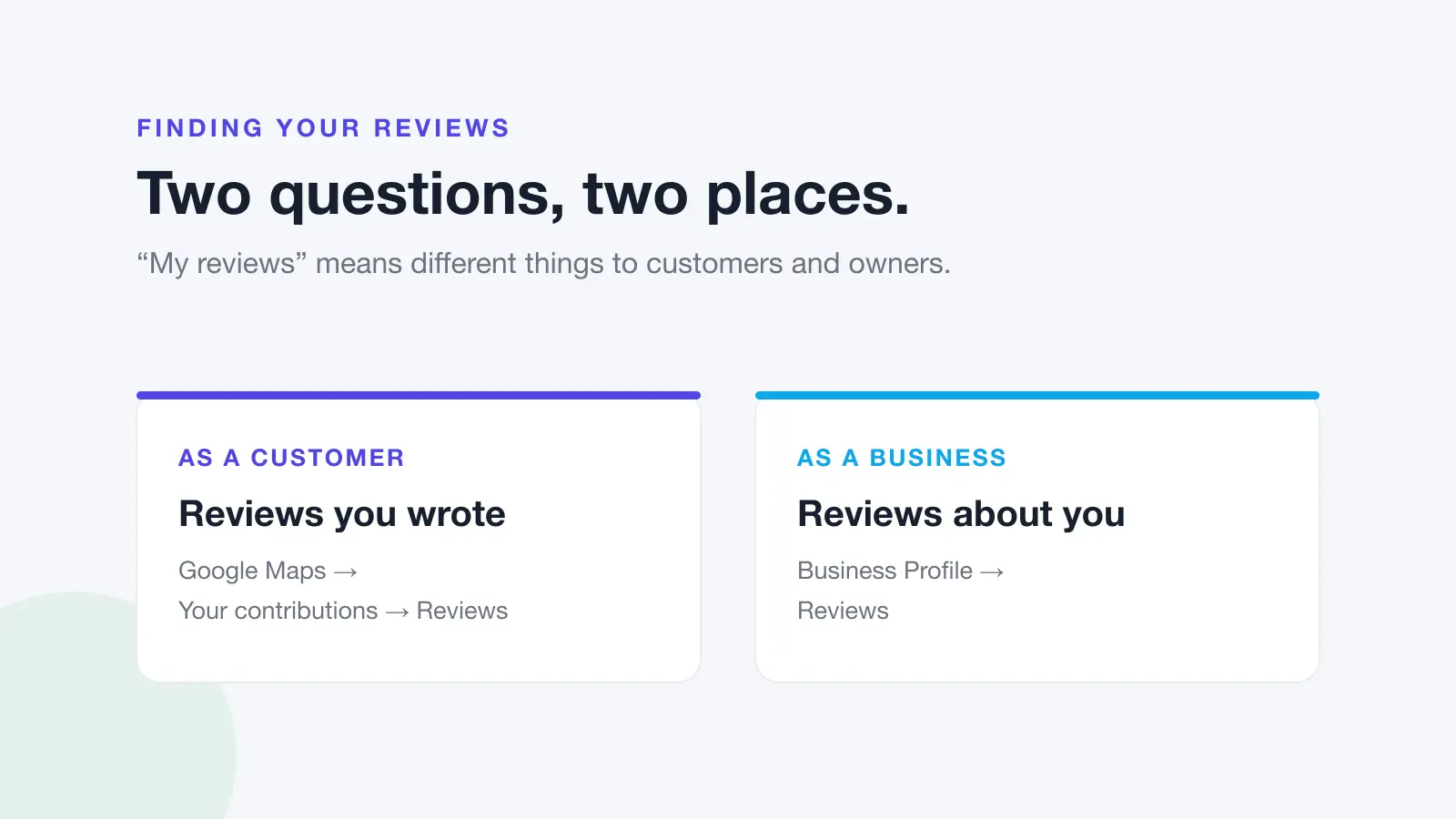
- Go to your Business Profile.
- Select Read reviews.
- Next to the review, select Report.
- Choose the reason, for example "Spam" or "Profanity".
- Select Send report.
Google says evaluation typically takes several days, and you can check the status of your report in the Reviews Management Tool. If Google finds no violation, you can submit a one-time appeal from the same tool.
2. Reply to it
A review you can't remove is still one you can answer. Your reply sits directly under the review, Google says it appears as the business rather than under your personal name, and the reviewer is notified when you reply. That makes the reply your chance to show every future reader how you handle a problem.
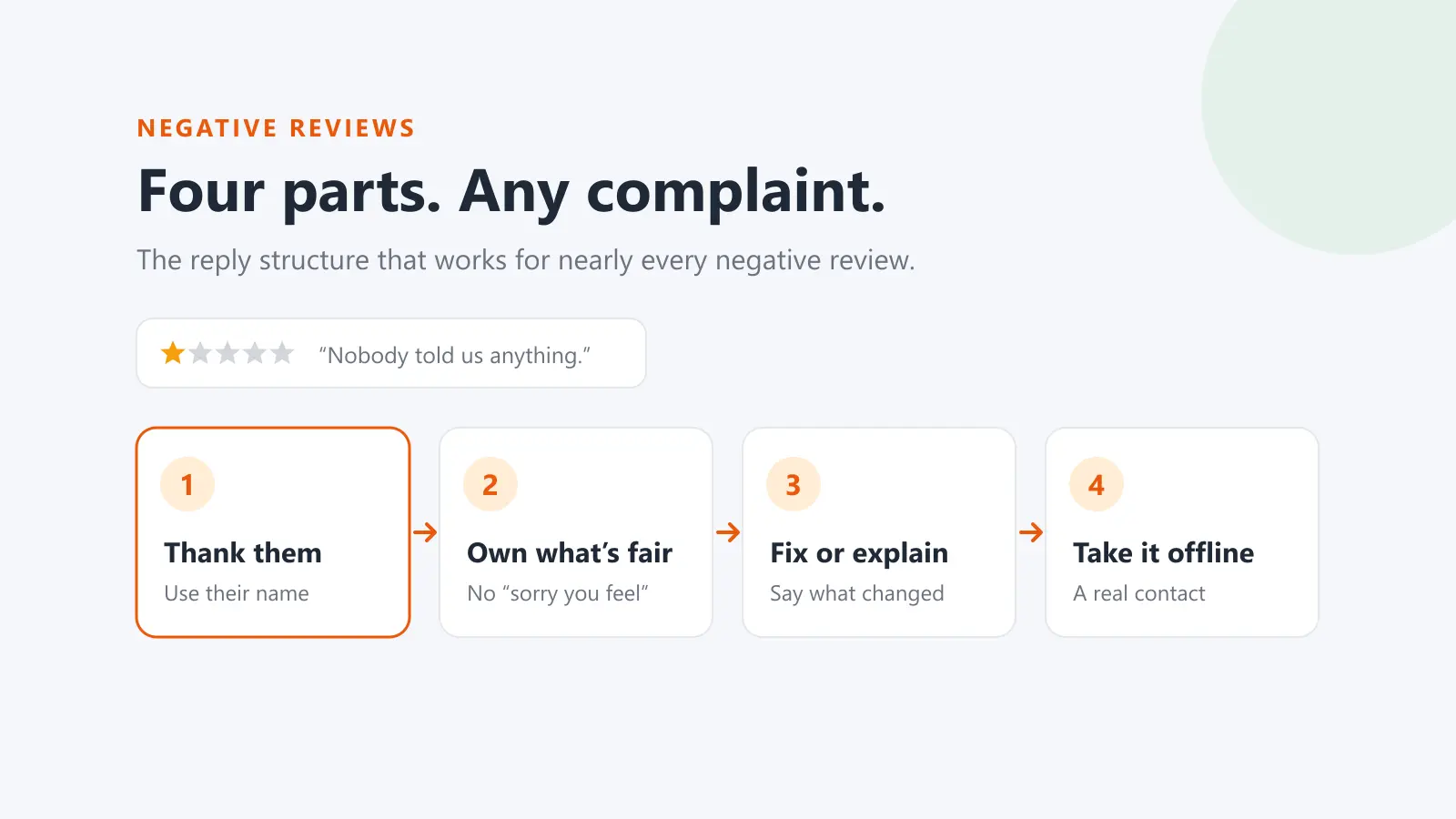
Keep it calm, short and specific. Google's own tips for negative reviews: protect privacy, don't make personal attacks, acknowledge mistakes without taking responsibility for things outside your control, apologise when appropriate, and invite the reviewer to contact you by phone or email if it's complex. Our guide to responding to negative reviews has the method and examples.
You need a verified Business Profile to reply.
3. Fix the problem, and let the customer decide
Google notes that customers can still change their review after reading your reply, and that a constructive reply may even encourage them to update it. If you sort out the complaint, the reviewer may edit or delete the review on their own.
What you can't do is make that a trade. Google's policies prohibit offering payment, discounts, free goods or services in exchange for removing or revising a negative review. Resolve the issue because it's the right thing to do, mention that you'd welcome an updated review if they feel differently now, and leave it there. There's more on where the line sits in incentivised reviews: what you can and can't offer.
4. Keep collecting genuine reviews from every customer
One bad review matters less on a profile with plenty of recent, genuine ones. Google's advice is to remind customers to leave reviews with a review link or QR code, and to value all reviews, noting that a mix of positive and negative feedback often feels more trustworthy.
Ask every customer, not only the ones you expect to be happy. Google's policies prohibit businesses from discouraging negative reviews or selectively asking for positive ones. The free Google review link generator gives you a direct link to send.
Which reviews Google will remove
Google's Maps content policy lists what isn't allowed. The categories a business is most likely to report:
| Policy | What it covers (in Google's words, summarised) |
|---|---|
| Fake engagement | Content not based on a real experience, paid-for reviews, and content posted on a competitor's business to undermine its reputation |
| Conflict of interest | Reviews from current or former employees, family, or industry competitors |
| Off-topic | Content not based on an experience at that location, including general, political or social commentary and personal rants |
| Harassment | Threats, doxxing, and unwanted sexualisation of a person |
| Offensive content | Attacks on individuals, deliberately provocative content, and unsubstantiated allegations of criminal wrongdoing |
| Personal information | Someone else's personal details, such as a full name or photo of their face, posted without consent |
| Obscenity and profanity | Profane or obscene content used to offend |
Two things are not on the list: a review being negative, and a review being unfair. Google's content policy says it allows content that describes negative experiences in a respectful manner. If a real customer had a bad experience and says so politely, the review stays, even if you see the facts differently. In that case, reply.
For more detail on each policy, see Google's review policy explained in plain English. For a review you believe is fake, see how to report a fake Google review.
What not to do
Some ways of making a bad review "go away" make things much worse:
- Don't post fake positive reviews to drown it out. Google treats content posted from multiple accounts by or at the request of one person as fake engagement. It says businesses that break this policy can face restrictions on their profile, such as being unable to receive new reviews for a set period, having existing reviews unpublished, or showing a warning to customers that fake reviews were removed.
- Don't offer anything for a deleted or changed review. As above, it's prohibited, and it's the kind of thing a customer can screenshot.
- Don't report the same honest review over and over. Only reviews that break a policy are eligible for removal. Use the one-time appeal if you think Google got it wrong.
- Don't argue in public. A long, defensive reply draws more attention to a review than the review itself.
If someone threatens a negative review unless you pay or give them something, that's different. Google's help page for reporting reviews links a separate process for Business Profiles targeted by extortion scams involving negative reviews. Our guide to a customer threatening a bad review covers what to do.
If you wrote the review: how to delete it
If you left a review yourself and want it gone, you can delete it whenever you like. As of October 2026, Google Maps Help gives these steps.
On a computer
- Open Google Maps, signed in with the account you used to write the review.
- At the top left, click Menu.
- Click Your contributions, then Reviews.
- Next to the review, click More.
- Select Delete review and follow the on-screen steps.
In the Google Maps app (iPhone, iPad or Android)
- Open the Google Maps app.
- Tap Contribute, then View your profile.
- Scroll and tap See all reviews.
- Next to the review, tap More.
- Select Delete review and follow the on-screen steps.
If you only want to change what you said, for example after the business fixed the problem, choose Edit review instead. Google says an edited review shows the date of the latest edit as its post date. More on that in can you edit a Google review?.
If you can't find your review, check you're signed in to the right Google account. Google also says reviews removed for policy violations aren't reinstated, so a review that has disappeared may have been taken down.
Frequently Asked Questions
Can a business owner delete a Google review?
No. Google Maps Help says you can't directly delete someone else's review. A business can report a review that breaks Google's policies and ask Google to remove it, reply to it publicly, or resolve the issue so the reviewer chooses to update it.
Can you delete a negative Google review that's unfair?
Not if it's a genuine customer describing their experience respectfully. Google's policy allows content that describes negative experiences in a respectful manner, and it says not to report a review just because you disagree with it. Reply instead, and report only if the review breaks a specific policy.
How long does Google take to remove a reported review?
Google says review evaluation typically takes several days. You can follow the status in the Reviews Management Tool, which shows "Decision pending" until the review has been assessed, and you can lodge a one-time appeal if Google finds no violation.
Can you delete a fake review left by a competitor?
Not yourself, but you can report it. Google's fake engagement policy prohibits posting content on a competitor's business to undermine its reputation, and its conflict-of-interest rules cover industry competitors. Report it under that policy with whatever evidence the review itself gives you.
Can you pay a customer to delete a bad review?
No. Google's policies prohibit offering incentives, including payment, discounts and free goods or services, in exchange for removing or revising a negative review. Fix the underlying problem and let the customer decide for themselves.
Why did a Google review disappear from my profile?
Google says reviews are most often removed for policy violations such as spam or inappropriate content, that reviews can take a few days to appear while they're checked, and that reviews removed for policy violations won't be restored. A reviewer can also delete their own review at any time.
Stop chasing deletions, start answering faster
You can't delete reviews, but you can make sure none of them sits unanswered. Dinopix Reviews brings every Google review from every location into one inbox, alerts you to new negative ones straight away, and drafts a reply in your brand voice for you to check and send. Replies publish straight to Google.
Sources
- Google Maps Help, Add, edit, or delete Google Maps reviews and ratings (computer, Android and iPhone versions)
- Google Business Profile Help, Report inappropriate reviews on your Business Profile
- Google Business Profile Help, Manage customer reviews
- Google Business Profile Help, Tips to get more reviews
- Google Business Profile Help, About missing or delayed reviews
- Google Business Profile Help, Business Profile restrictions for policy violations
- Maps User Generated Content Policy Help, Prohibited & restricted content
- Maps User Generated Content Policy Help, Maps user-generated content policy
Google review reply templates
20 replies you can copy and edit, from a 5-star thank-you to a fair answer to a 1-star complaint. Free, by email.
We'll email the templates from support@dinopix.com.au, then about one email a month with new review guides and Dinopix product news. Unsubscribe in one click from any email. Privacy policy